MedBoox compared
MedBoox, or the way you work today?
Many practices run on a paper agenda, an Excel sheet, WhatsApp typed by hand or a calendar app on a phone, and each of them works. Here is what changes with MedBoox, task by task, and what it doesn’t do.
Request a demo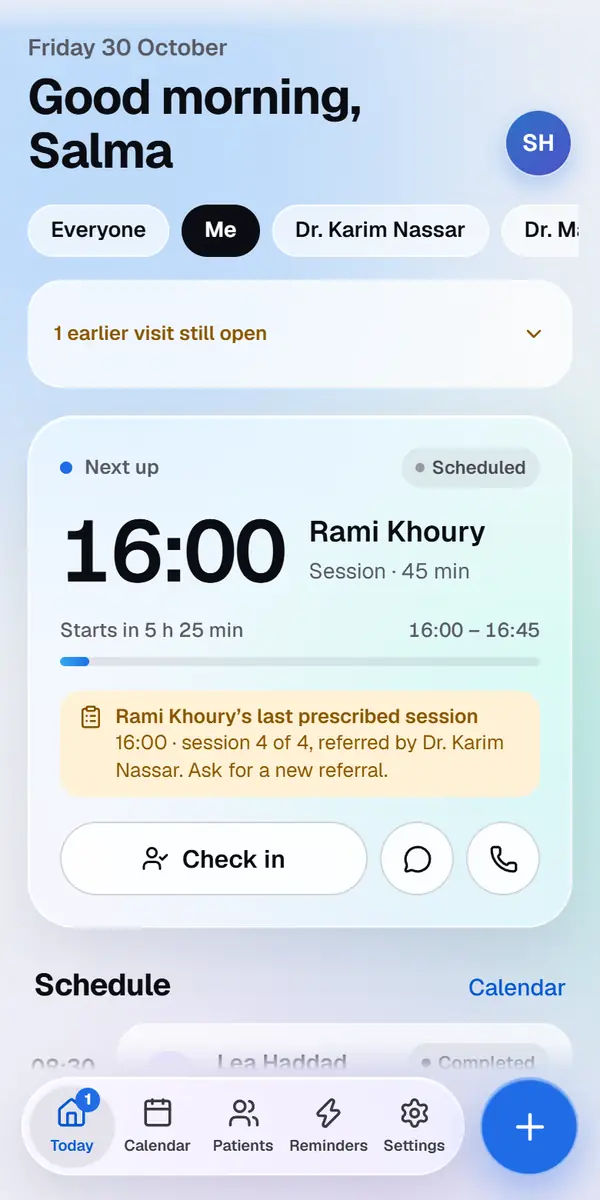
Task by task
The same work, done different ways.
What each way of working asks of you, for what a practice does every day.
| Paper agenda | Excel sheet | WhatsApp by hand | Calendar app | MedBoox | |
|---|---|---|---|---|---|
| Booking a visit | Written in the agenda | A row in the sheet | Agreed in a chat | An event on the phone | Only free times in the doctor’s hours, in the patient’s file |
| Reminding patients | Calls, one by one | Calls, one by one | Typed for each patient | An alert for you, not for the patient | Sent on WhatsApp at the times you chose |
| The patient’s answer | A call back | A call back | A reply to read and note down | Noted by hand | Confirm or Another time, shown on the visit |
| The patient’s file | Paper folders | The columns you add | Spread over chats | A note in the event | Notes, files and history, stored encrypted |
| Payments and balances | A separate notebook | Formulas you keep up | Not kept | Not kept | Dollars or lira, with receipt numbers and balances |
| Who sees what | Whoever opens the agenda | Whoever has the file | Whoever holds the phone | Whoever it is shared with | Secretaries see no notes, and a log records who opened a file |
| Away from the desk | Where the agenda is | Where the file is | On that one phone | On your phone | In the browser of any phone or computer |
| Without the internet | Works | Works | Needs the internet | Usually works | Needs the internet |
What MedBoox doesn’t do
Said plainly, before you ask.
- Patients can’t book online on their own: they ask for a visit, and you choose the time
- No video calls
- No printed prescriptions, certificates or letterheads: receipts are shown on screen
- No insurance claims, and no electronic prescriptions sent to pharmacies
- No connection to laboratories or to medical devices
- You choose which WhatsApp messages go out and when, not their wording, which WhatsApp approves
- It needs an internet connection
Questions
A few things, made clear.
Can I keep my paper agenda at first?
Yes, for as long as you need. What matters is that every visit is also booked in MedBoox, so its reminders go out.
What happens to my Excel list?
You import it: MedBoox reads .csv and .xlsx files, asks which column is which when it doesn’t know the headings, and skips patients already saved.
Can I keep WhatsApp on my own phone?
Yes. MedBoox’s messages go from the MedBoox number on behalf of your practice, so your own WhatsApp stays yours. Patients’ replies to them wait for you on Today.
How do I know whether MedBoox suits my practice?
Ask for a demo: we call you, show you MedBoox with your way of working in mind, and answer your questions. We send you the price on a call or by email.
Read next
More for your practice.
We call you, usually within one working day
Start with MedBoox.